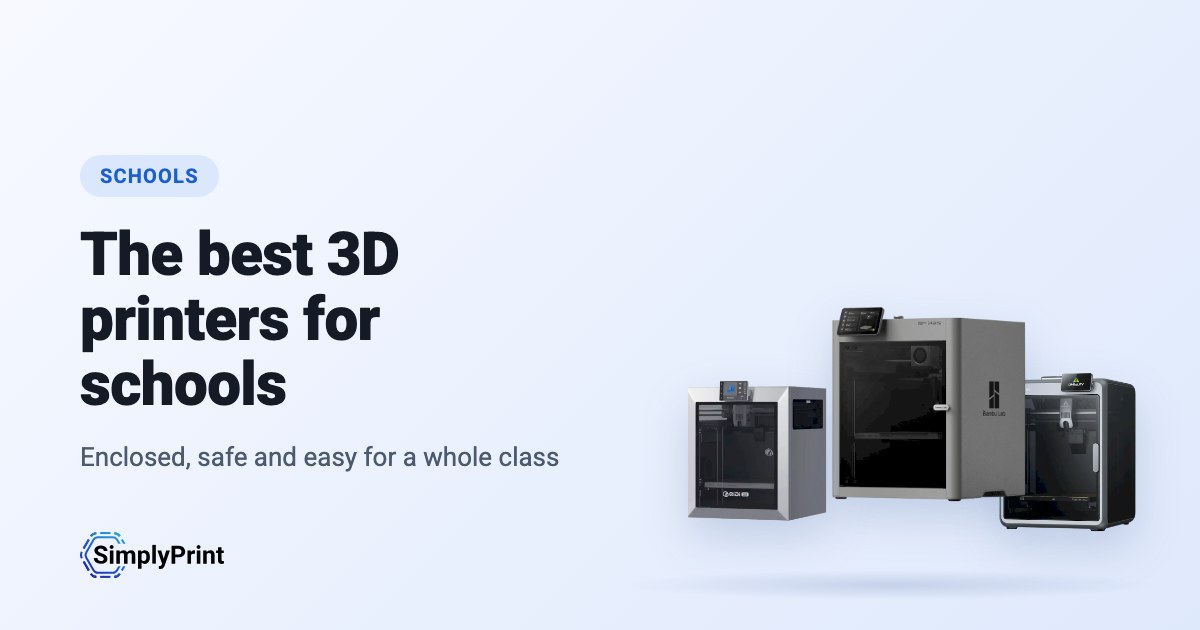
Buying 3D printers for schools is not like buying one for home. A classroom printer runs for students who have never used one. Nobody has time to tune it between lessons, and it has to be safe with thirty curious people around it. Whether you need the best 3D printer for schools with one lab or the best 3D printer for education across a district, this guide ranks the printers on sale today for exactly that. It reads what our printer catalog knows right now: how safe and reliable each printer is, and how it works with SimplyPrint. It also counts how many schools and makers already run it, the reviews, and the price you would pay in your region.
Our picks: the best 3D printers for schools in 2026
The best printer for a classroom overall, then the best for each budget. Every reason under a printer is read from its data and our assessment of it for schools, and the score is out of 100.
No printer in our catalog meets this guide's rules right now. Browse every printer that works with SimplyPrint instead. Pick your 3D printer
3D printers for schools, ranked
The top ten for schools. Open a printer for its specs, reviews and setup guide, or compare the top four on our printer comparison.
The best 3D printer for classroom use: what to look for
Safety: an enclosure and a door that closes
A fully enclosed printer keeps students' fingers away from a nozzle running at over 200 °C and a bed that moves on its own. It also keeps the warmth in, which ABS and ASA need. An enclosure is not a fume filter on its own. For most classroom work, print PLA and keep the room ventilated. Choose a printer with a filter if you plan to print ABS or ASA often.
Reliable without a technician
A teacher has no time to tune a printer between lessons. Look for automatic bed levelling and calibration, and a maker that sells spare nozzles and build plates. Prefer a printer many other people run: more users means more fixes already written down. A printer that prints well on the first try every time beats a faster one that needs attention.
One printer, a whole class
The hard part of 3D printing in school is rarely the printer. It is thirty students and a handful of machines. With SimplyPrint, students send their files to a shared print queue and a teacher approves what starts. Quotas stop one class from using all the filament. Students slice in the browser on a Chromebook, with nothing to install. AI failure detection stops a print that goes wrong when nobody is in the room. Students who design in Tinkercad can send their models straight on. More on running a classroom in our guide to 3D printing in schools.
Budget, spares and the long run
A school printer often lives five years or more. Count the cost of filament, nozzles and build plates as well as the printer. Check that the maker sells spare parts in your country, and prefer brands with a steady track record. Buying several of the same model makes spares and lessons simpler.
Student data and the maker's cloud
Some printers send every job through their maker's cloud. When students' files and names pass through it, that cloud is part of your school's data-protection picture. Ask where it runs and what it keeps, or choose printers you can run without it. Our brand ratings below show how much each maker depends on its own cloud.
Before you buy: a checklist for schools
- Where will it stand? An enclosed printer in a classroom, an open-frame one in a supervised lab.
- Who will run it? Plan who starts prints, who approves them, and who clears the plate after the last lesson.
- How will students send prints? From Chromebooks or iPads, through a shared queue, with nothing to install.
- What will it print? PLA for most projects; anything hotter needs ventilation and a teacher's eye.
- What will it cost a year? Filament, nozzles, build plates and a software plan, not only the printer.
- Who answers when it breaks? A maker or reseller that sells spare parts in your country.
Open or walled garden: the brands behind the picks
Some printer makers work like Apple: their printer, slicer, cloud and spare parts work together out of the box, on their terms. Others work like Android: open firmware, any slicer, any filament, and parts you can buy or print. For a school, a closed system can be the simplest start, but it also means the maker decides what the printer can do in five years. We rate each brand in six areas from public sources, with a dated record of recalls, layoffs and policy changes.
Where they come from, and staying compliant
Most of the best 3D printers today come from Chinese companies, and this ranking reflects that: right now they give you the most printer for the money. That's no judgement of the people who make them. But for some buyers, where a printer comes from matters: many schools and school districts have procurement rules about where devices come from, and data protection rules about where student data may go.
None ranks in this guide yet.
Any printer, on your terms, with SimplyPrint
Whoever makes your printer, SimplyPrint decides what it talks to:
- Off its maker's cloud. Most printers connect through the SimplyPrint Client on your own network, or in their local-network mode (Bambu Lab's LAN-only mode, with Developer Mode on its newer printers), so they never need their maker's cloud. You can block them from the internet entirely and let only the SimplyPrint Client connect out.
- Your data stored in Europe. SimplyPrint's cloud is hosted in Frankfurt, Germany, under the GDPR. See how we keep it secure and who processes data for us.
- One place for access. Users, permissions, single sign-on and an audit log, for every printer, whatever its brand.
- On your own servers, if you need it. See cloud vs. on-premise.
How we choose
No brand pays for its place in this guide. The ranking is a formula over our catalog, the same for every printer, and it runs again each time the page loads. For schools it weighs safety and reliability most:
| What we weigh | Points | How it is measured |
|---|---|---|
| Our assessment for this use | 23 | Our written assessment of the printer for this kind of buyer: great, good, OK or poor. A printer we rate poor for it is left out. Not every printer is assessed yet; for those, this factor is left out and the others count for more. |
| Works with SimplyPrint | 16 | Verified by SimplyPrint, compatible, or expected to work from how it connects. |
| Enclosure | 14 | Fully enclosed counts most, partly enclosed half. |
| Price | 10 | The lowest current price for your region, compared on a log scale with the others in the guide. No current price counts low. |
| How many are in use | 9 | How many printers of the model run on SimplyPrint, on a log scale: a sign of how many people trust it. A newer version counts as used by at least half as many as the most used printer it succeeds, so it isn't marked down for being new. |
| Built-in camera | 6 | A camera built in, for watching prints and failure detection. |
| Independent reviews | 5 | How many respected reviewers (press and YouTube) have reviewed it, up to four. |
| How new it is | 5 | Launched this year or last counts fully, less each year after. A printer with a newer version gets nothing here. |
| Multi-colour and multi-material | 4 | Whether it ships with or works with a multi-material unit, a toolchanger or two extruders. |
| Rating by SimplyPrint users | 3 | What SimplyPrint users rate it, when they have. |
| The brand's openness | 3 | The brand's place on our open-to-walled-garden scale, below. Not rated yet counts as the middle. |
| Materials it prints well | 2 | How many kinds of filament it prints well, from its temperatures, enclosure and the maker's list. |
A printer is in the running when it works with SimplyPrint (verified, compatible, or expected from how it connects), is the maker's own model, and is still on sale: the maker still sells it, a store has a current price, or it launched in the last 3 years.
This guide ranks printers that cost up to US$800 at their cheapest store; a dearer one is left out unless our editor picks it.
How open a brand is counts for a few points, never enough to make a weaker printer the best. Its track record is shown on every pick but doesn't change the score: news about a company says nothing about its printer.
The score picks the printers, with one exception: where our own hands-on experience with a printer disagrees with its score, our editor can choose a different pick, and that pick says so.
When a newer version of a printer is in the guide and known to work with SimplyPrint, the older one is left out. When the newer one isn't, the older one stays, gets no points for how new it is, and says it has a newer version.
A few makers send us printers or work with us directly; where one does, the guide says so next to its printers.
Spotted something wrong? Tell us and we'll fix it. Contact us
The openness scale
Each brand is rated from 1 (closed) to 5 (open) in six areas, from public sources we list with every rating. The overall rating is the weighted mean, and places the brand on a scale from walled garden to open:
| Area | Weight |
|---|---|
| Firmware and custom firmware | 30% |
| Local control and integrations | 30% |
| Third-party filament, slicers and parts | 15% |
| Repairs and spare parts | 10% |
| Data and privacy | 10% |
| Community and documentation | 5% |
Open from 4.25 · Mostly open from 3.50 · Mixed from 2.75 · Mostly closed from 2.00 · Walled garden below that
Some buying links earn us a commission at no cost to you; they never change the ranking. We make SimplyPrint, which runs printers from every brand here, so "works with SimplyPrint" is one factor: it is the software a school would manage its printers with if it chose to.
Built today from our catalog: 0 printers ranked out of 0 on sale that work with SimplyPrint. Our written assessments are still being added; until then the ranking rests on the facts alone.